1-tap
Order execution

Now available on Huawei AppGallery. Stay connected to the markets with the TenaxCode app on your Huawei phone or tablet - built for quick decisions, clear charts and simple order management.
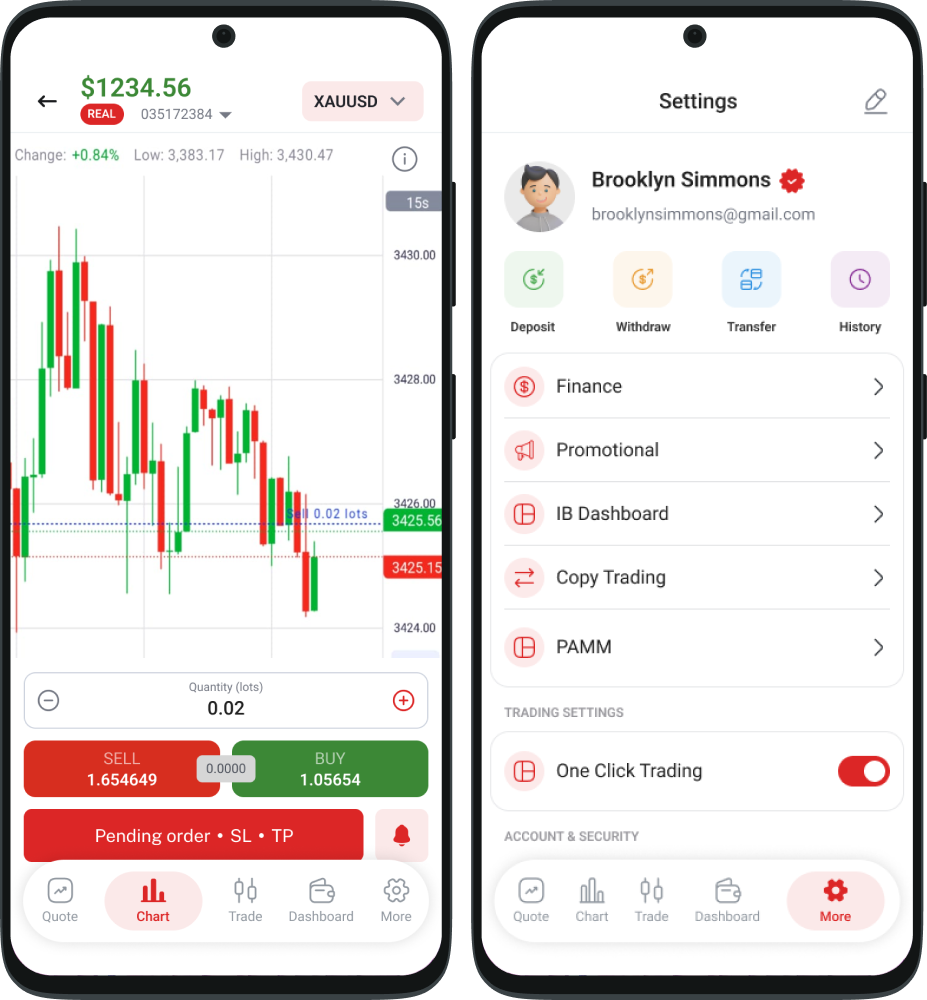
Everything you need to stay in control of your trading, optimised for Huawei phones and tablets.
Stay in control of your portfolio from anywhere with fast access to global markets.
Charting tools, indicators and timeframes built for clarity on a mobile screen.
Set price alerts and track key levels so you never miss the next move.
Biometric sign-in and session controls help keep your trading activity protected.
A simple flow for staying connected to the markets with TenaxCode.
Get the TenaxCode app from Huawei AppGallery - search “ABDFX” to install.
Sign in using your existing ABDFX account details - the same as on the web.
Track markets, place trades and manage your positions from anywhere.
Quick tips to help you trade faster and smarter on iOS.
Save favourite instruments and sort them into your preferred order for fast access.
Apply indicators and timeframes with presets so you can switch views in seconds.
Set stop-loss and take-profit levels, and monitor margin from the account panel.
A clean, comfortable layout that keeps everything you need one tap away.
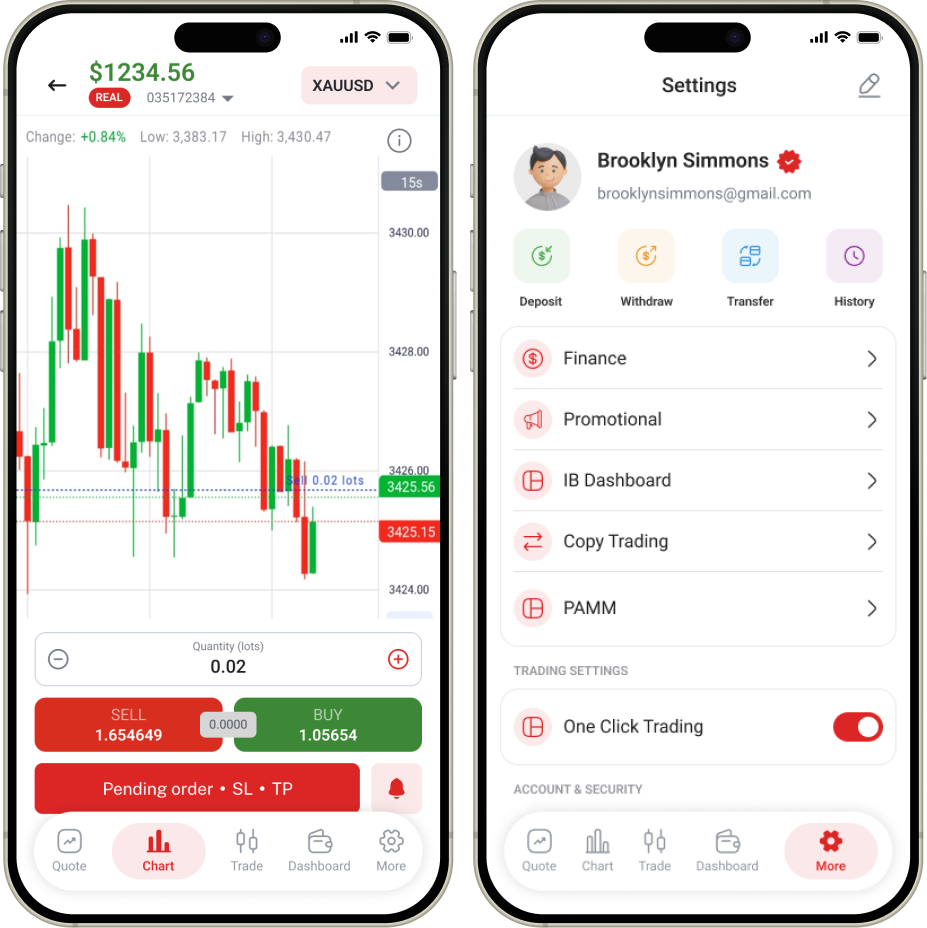
The TenaxCode app is built on the same institutional-grade engine that powers ABDFX.
Trade with a fast, responsive workflow designed for clarity and speed.
Help is available whenever you need it, across your trading journey.
Tools and visibility to support responsible, informed trading decisions.
Your account, positions and history stay consistent across every device.
The TenaxCode app is available now on Huawei AppGallery. Open AppGallery and search “ABDFX” or “TenaxCode” to install it.
Yes. Use the same ABDFX credentials you use on the web platform - there's no separate registration needed.
Yes. Use the order ticket to set and manage stop-loss and take-profit levels directly on your trades.
Your account, open positions and trading history stay consistent across the Huawei app and the web platform.
The app supports Huawei phones and tablets running AppGallery (HMS), with a layout optimised for each screen.
Contact support for onboarding, account setup and platform access - or open your account today.